2026.09.08 - Web
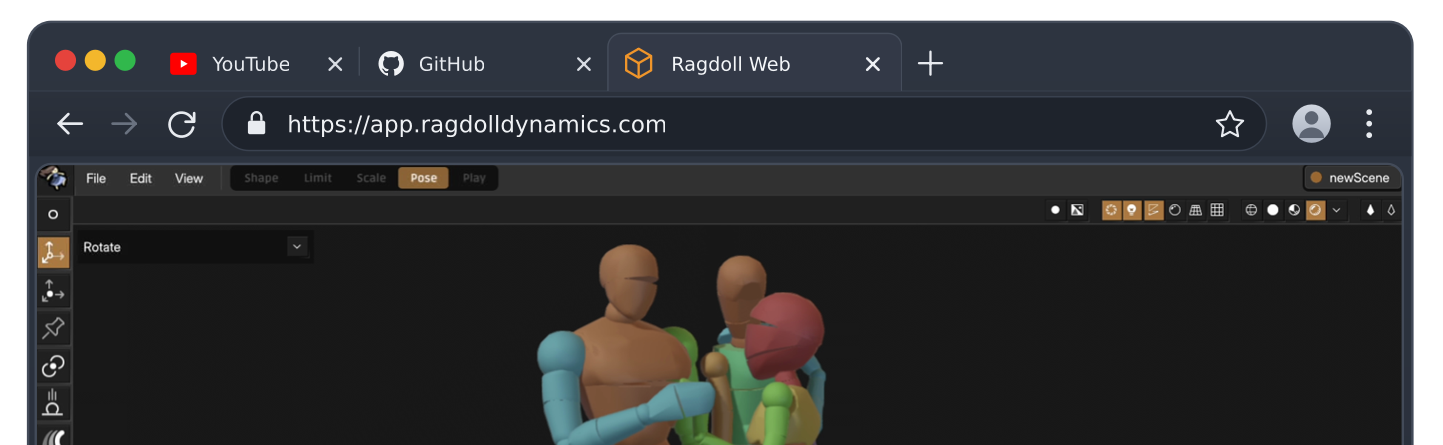
Ragdoll is now (freely!) available in your web browser, as a limited subset of the Maya plug-in and Blender addon.
- ADDED Ragdoll Web The Ragdoll you know, now in the browser
- ADDED New Assets A couple of new friends, and a vehicle
- ADDED Mixed Behaviour Animated, simulated or mixed
What is Ragdoll?
Ragdoll started out as an Autodesk Maya plug-in back in 2021. Since then, it's seen use in countless feature films, games, short films, personal projects and more.
See our (brand new!) landing page for a birds-eye view.
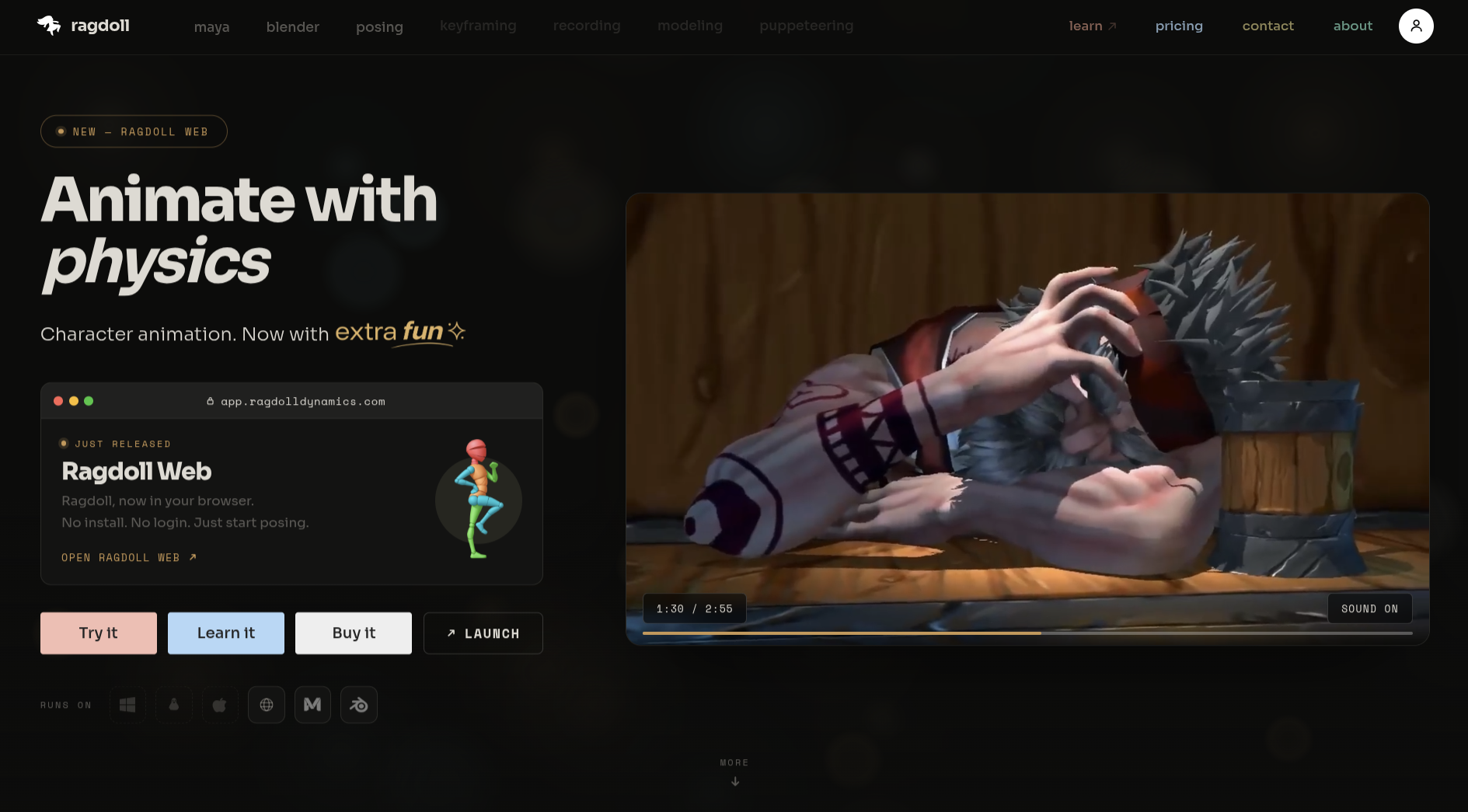
Shortly after release, Ragdoll began its journey outside of Maya and landed in Blender. Since then, we've been working on getting even further removed from the tall barriers of entry of both May and Blender, making it accessible to anyone with access to a web browser (including on tablets and phones!).
So as to keep releases flowing, rather than waiting for the fully featured application to drop at once, we're releasing the software in phases. Each usable on their own.
This first release focuses on posing - and includes Ragdoll's "Pose Mode" - which is where you interactively manipulate your characters by clicking-and-dragging on the model as if you were posing an action figure in real life.
What is included?
This release is both a Maya version and a Web version.
Ragdoll for Web is a subset of Ragdoll for Maya. As a plug-in, much of the heavy lifting is still performed by Maya, such as modeling and rigging.
Currently available is:
-
Shape Mode -
Limit Mode -
Scene Scale Mode - Pose Mode
-
Performance Mode -
Play Mode
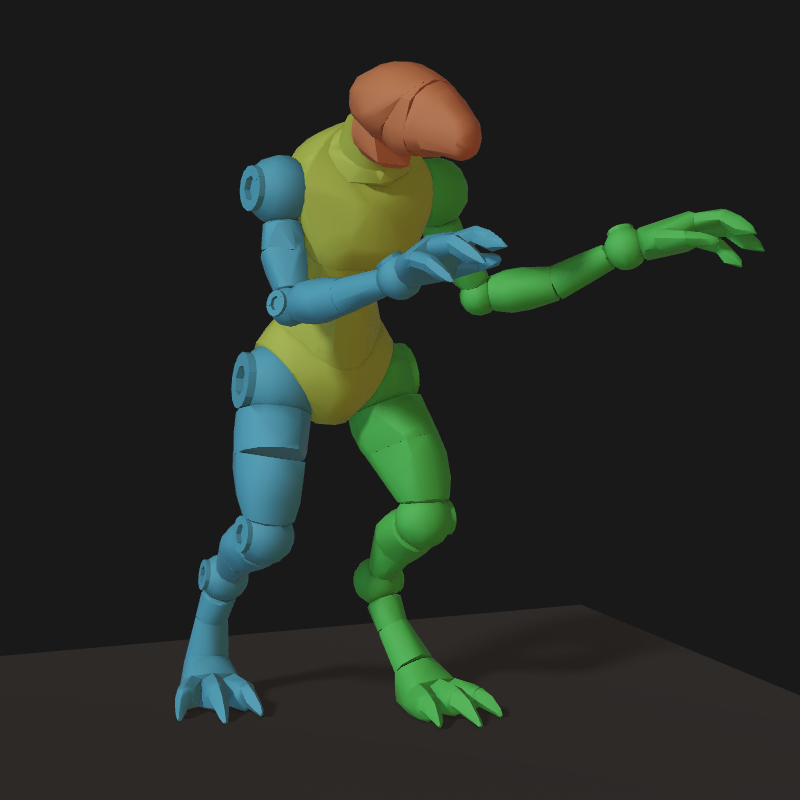
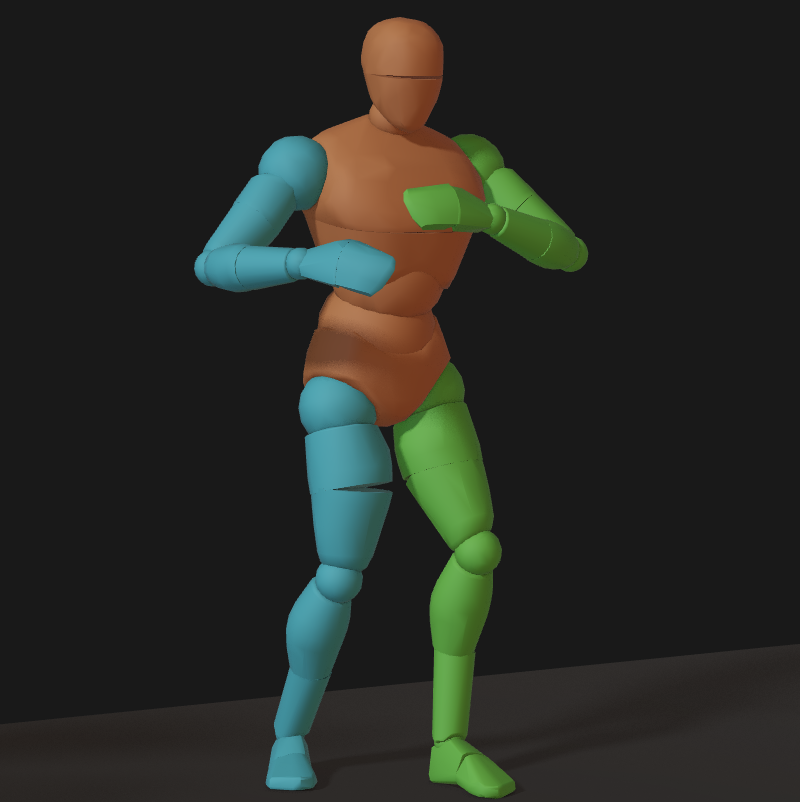
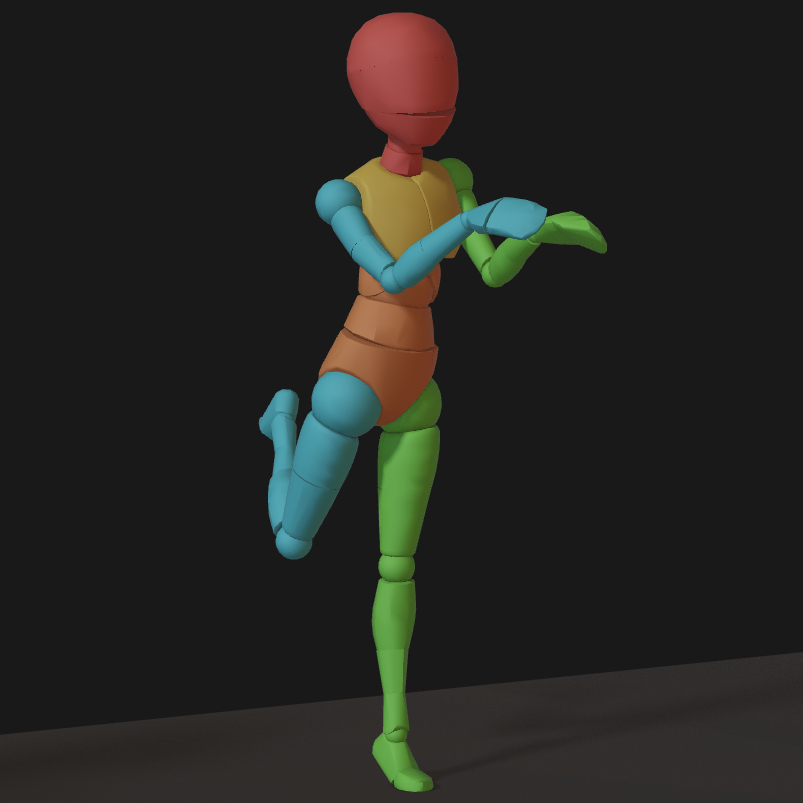
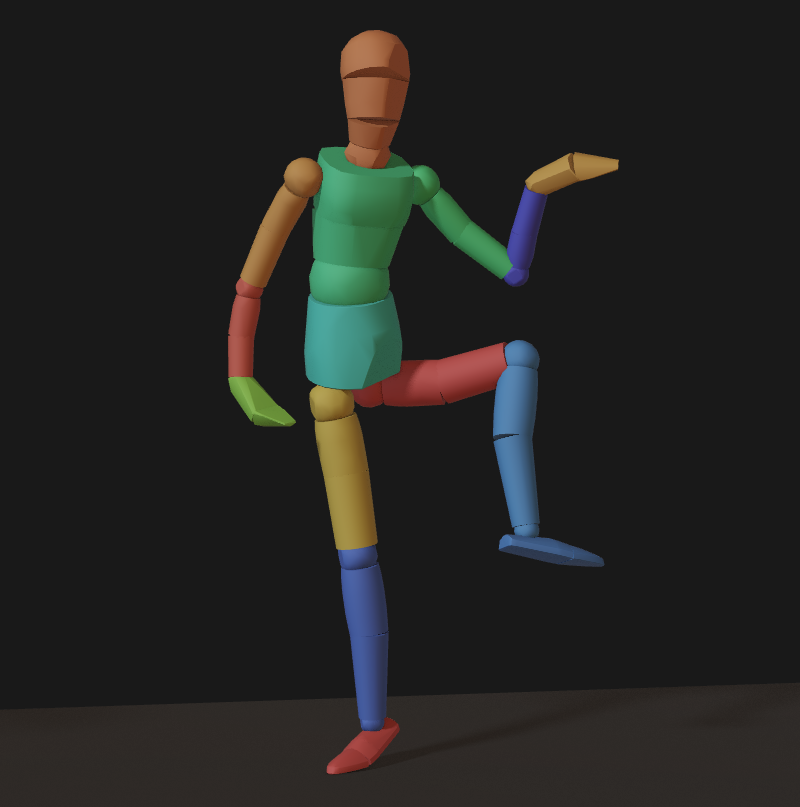
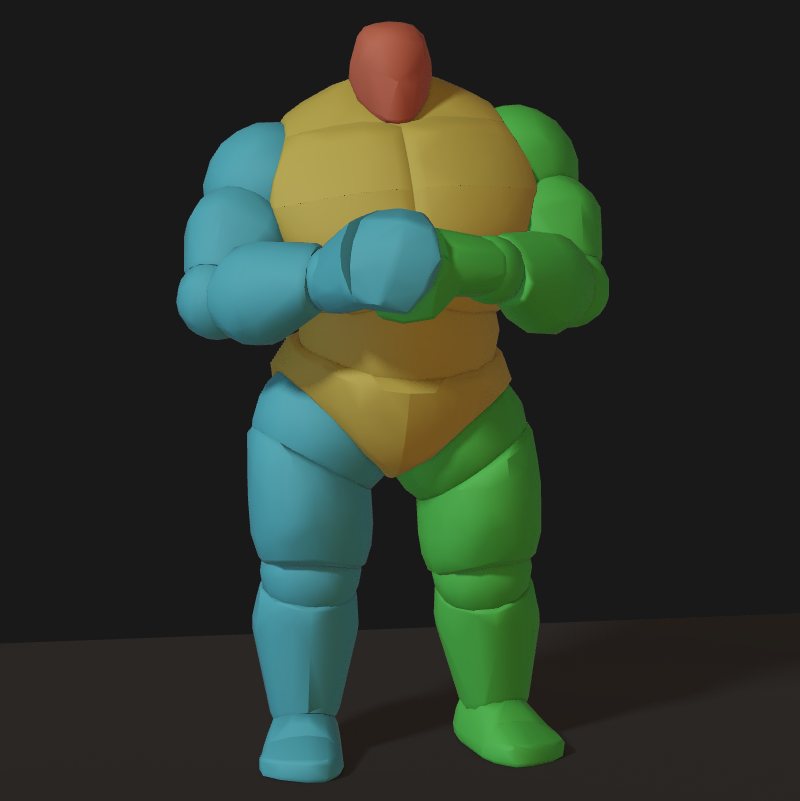
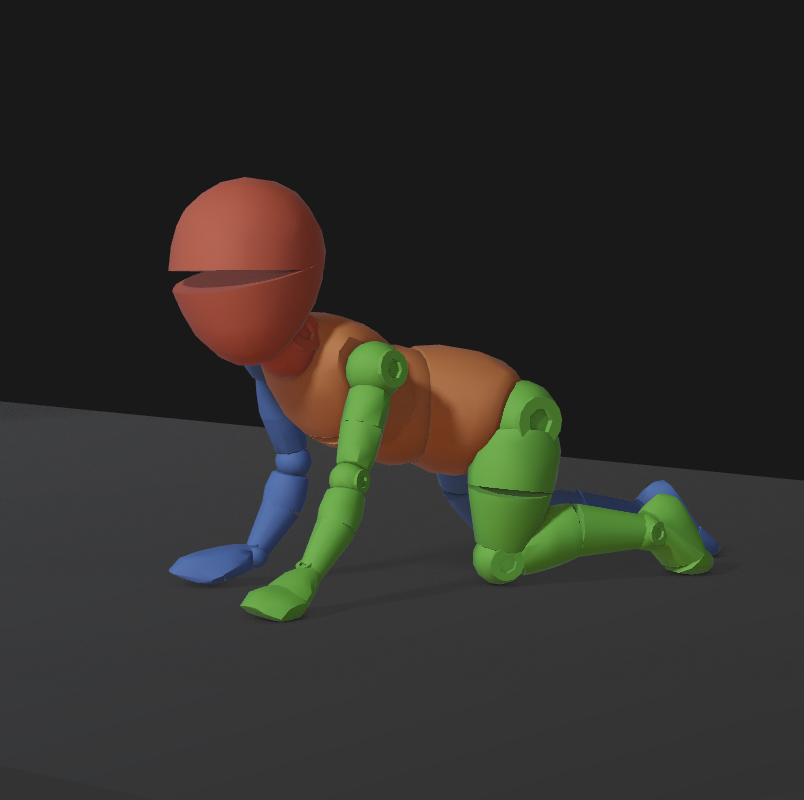
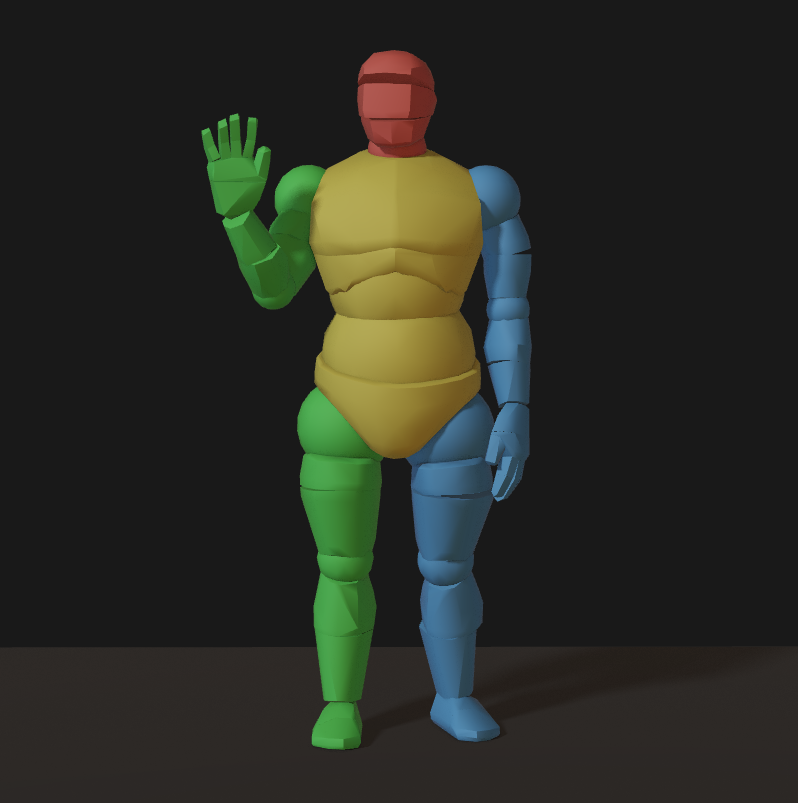
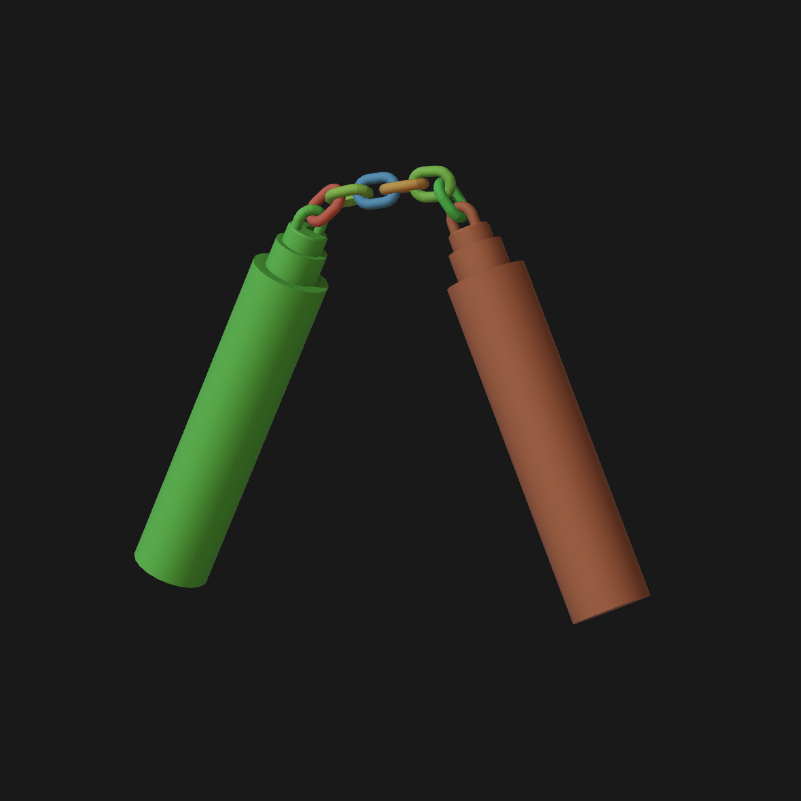
Meaning you can launch Ragdoll right now and start posing the default asset, alongside 7 other characters of various proportions.
 |
 |
 |
|---|---|---|
 |
 |
 |
 |
 |
 |
Pro Tip
Some assets are special.
- The
scholarhave self-collisions disabled per default, letting limbs intersect and pass through each other as you pose. - The
workerandcreatureboth have fingers, making them suitable for detailed hand interactions. - The
splitis the same asmanikin, except with split joints. Making it more expressive. - The
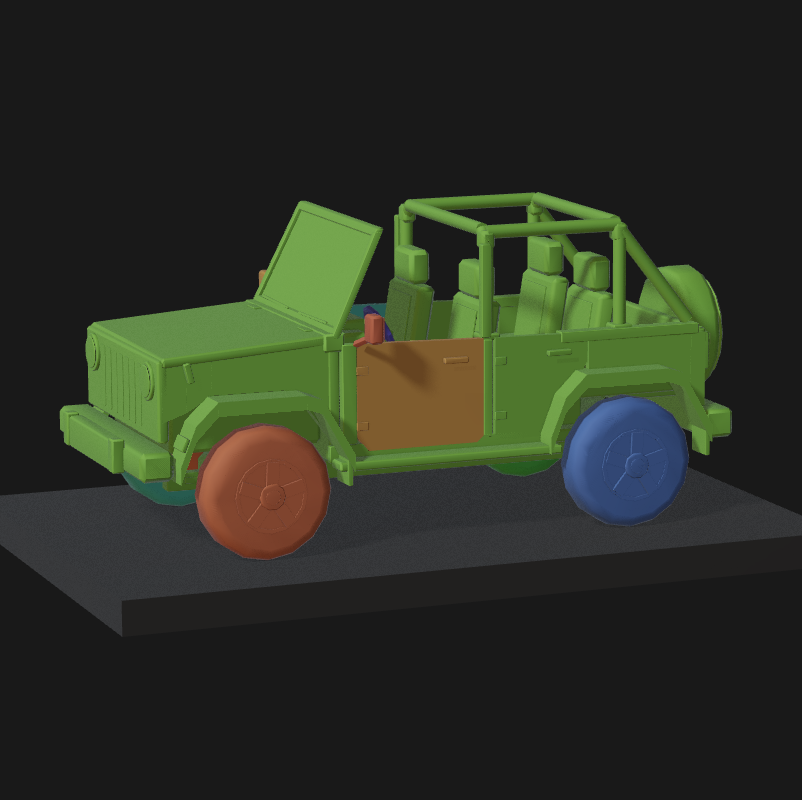
jeepis articulated with rolling wheels, suspension and hinges on doors as you would expect.
Export and Import
For Maya and Blender users, you can also export your character and drag-and-drop it into Ragdoll for Web, for an interactive preview of your work.
Perfect for sharing and letting others test out your creations, without the overhead of any software at all. Send it to HR or your marketing team.
Completely Local
There is no "cloud", no data reaches any other server than your local disk. Browsers these days are capable of not only displaying text and video, but complete 3D applications like Ragdoll too.
Dragging a file into your browser window incurs zero network traffic, as no data is sent anywhere. The experience - including any saved files - are completely local to your machine (and browser session).
To re-iterate, for anyone searching for keywords like "privacy" and "cloud", do not fret. :)
File Format
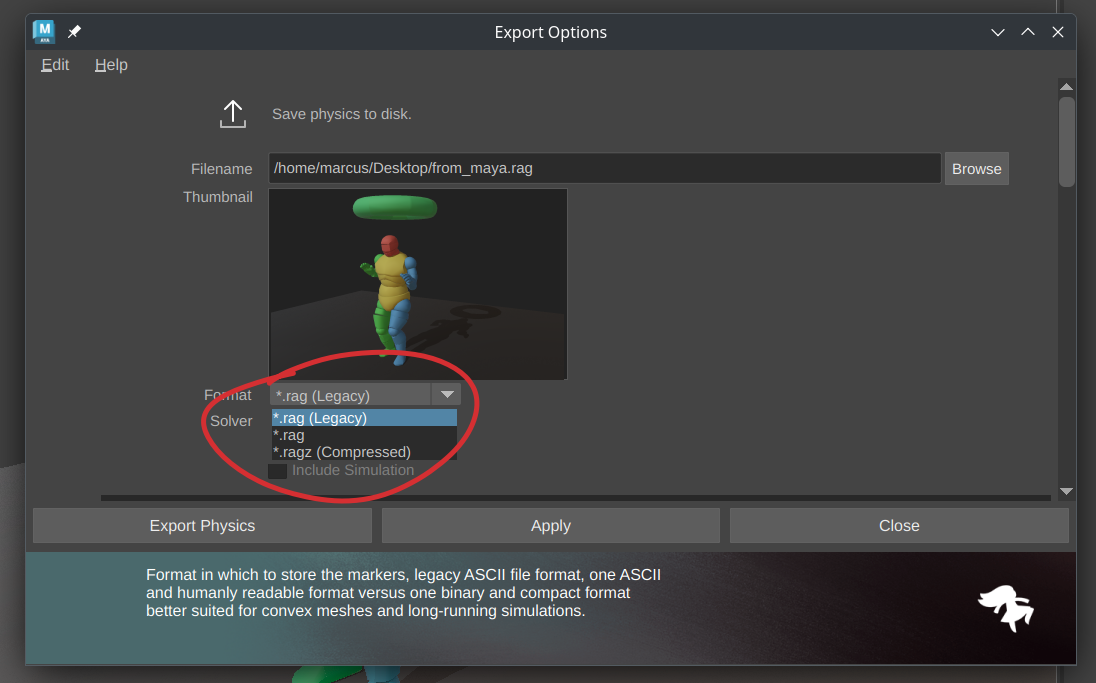
Ragdoll for Web supports .rag files from any version of Ragdoll since 2022. This format is known as "Legacy" and is being superceeded by a newer format with support for keyframes and UI confirmation of Ragdoll Web and Standalone. You can export either format from Maya, Ragdoll for Web can load both. But Maya's own load and import currently only supports the Legacy format.
Target Audience
As a limited release, it is suitable for a limited audience. We've chosen to focus this initial release on an audience of illustrators and concept artists - those using 3D posing tools for producing reference material for their work.
The next phase then extends upon the functionality of this release to incorporate keyframing for stop-motion and anime-style animation, directly within Ragdoll, without the need for Maya or Blender.
You can read more about the complete set of phases here.
Intro to Ragdoll for Web
- (Coming shortly)
Maya
Not to worry, there is a new release for you too. 
Simulated, Animated or Mixed
A new behaviour was introduced, to simulate a group of Markers as one.
Notice how in the first behaviour - Animated - the character follows animation to the letter. When Simulated, the animation is a guide for the simulation. And in the new Mixed behaviour is a mixture of the two; following the animation exactly but still responding to forces including gravity.
It is primarily used in Pose Mode, to preserve the orientation of children while posing, such as fingers.
Rotate and Move Gizmos
The "FK" and "IK" gizmos has seen an overhaul and are now called "Rotate" and "Move" to better reflect what they do.
Default Play Mode on Exit
Inside of Maya, when you exit the Manipulator in a mode other than the default "Play" mode Ragdoll would preserve that mode for when you return. This is primarily to preserve the pose and history you may have worked hard to achieve.
But, it was also confusing if you hadn't spent time posing and had nothing to preserve. There's a toggle to pick a preference.
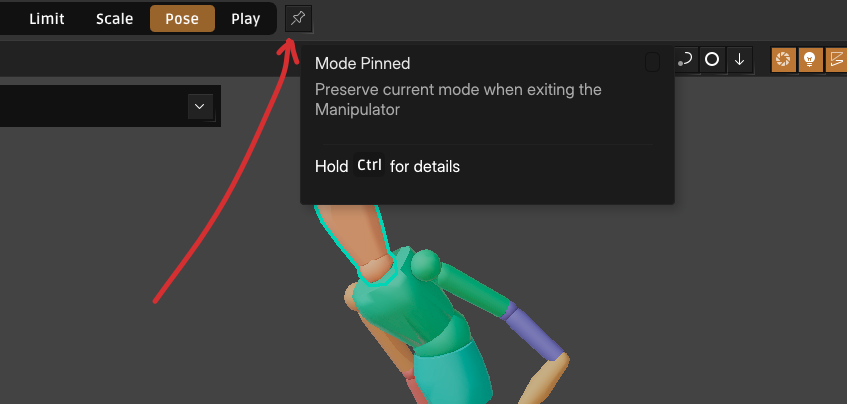
This was on per default since the previous release, now it is off.
Quality of Life
- Shuffle Color
- Copy Color
- Clean Collision Group Attribute Editor page
- Enter Manipulator from collision group